CTE Spring 2026 Lunch & Conversation Series
Over the last month, CTE hosted a series of in-person and virtual lunch & conversation sessions to help faculty share insights to help others fine tune their teaching.
Find out what we heard from our presenters from three of our spring workshops.
What's Working in KU Classrooms? Insights from Classroom Observations
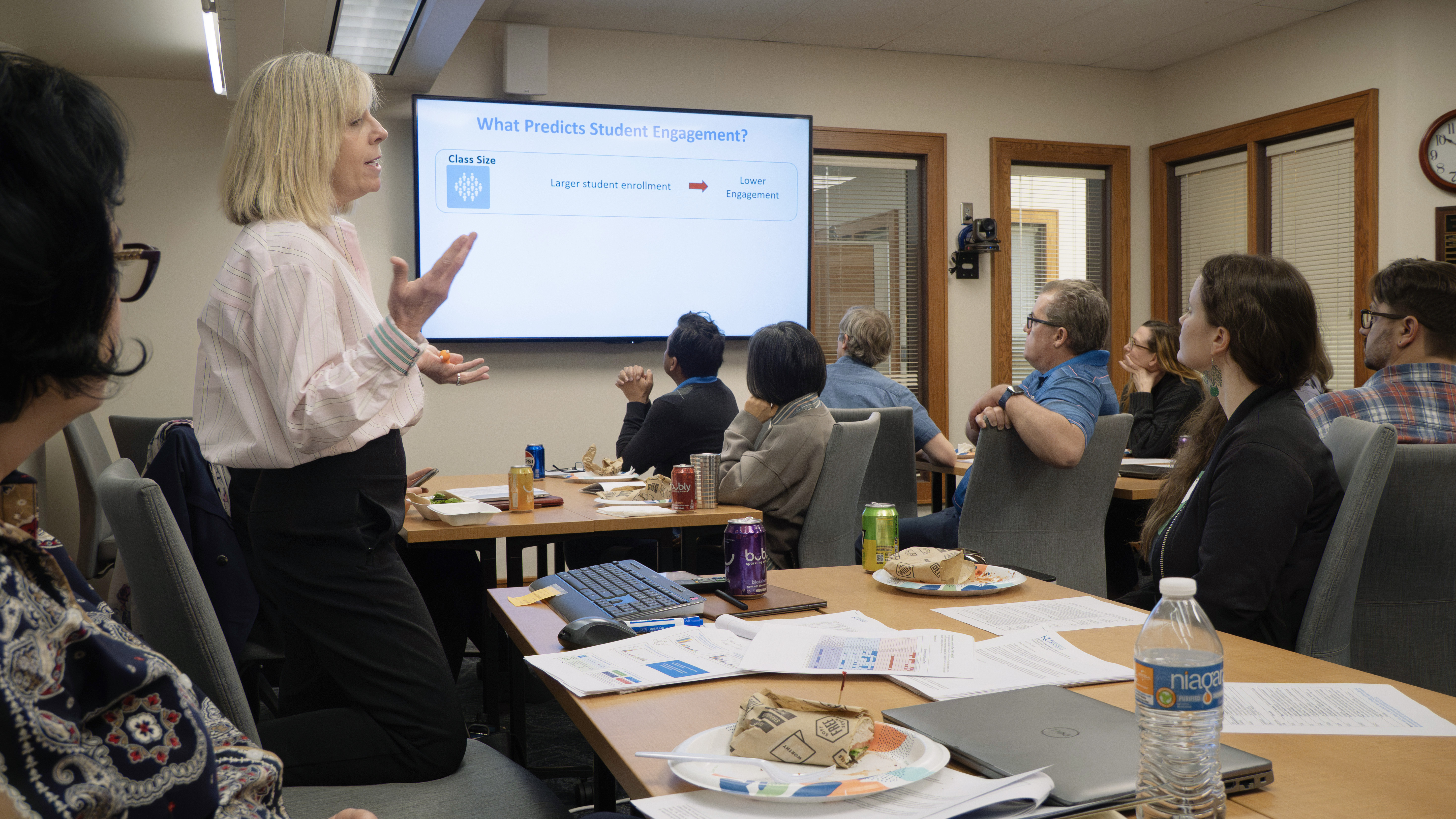
Kicking off our spring workshop series was a look into CTE’s classroom observation research.
The workshop was led by CTE Director Dea Follmer Greenhoot and Massa Mafi, post-doctoral researcher at CTE, and explored findings from recent observations of 49 lower-level undergraduate courses across multiple disciplines.
What We Learned: Trained undergraduate observers recorded classroom behaviors in two-minute intervals. On average, instructors spent about 80% of intervals presenting content, while also engaging in “guiding” activities, such as circulating the room to facilitate active learning, posing clicker or discussion questions, and responding to student queries, in about 54% of intervals (noting that both types of behaviors could occur within the same interval). Students, meanwhile, spent 35% of the class time working on tasks like clicker questions or small group discussions.
The observers also recorded student engagement in each interval. Two predictors of high student engagement, regardless of class size, were higher amounts of class time devoted to active learning paired with the instructor physically moving around the room to support and guide students. Words of encouragement and reminders of community standards from the instructor were also linked to higher engagement.
Moreover, the findings confirmed that more time spent on evidence-based active learning practices was related to higher rates of successful course completion, as long as students are highly engaged.
In classrooms with visible student disengagement and distraction, the academic benefits of group work and active learning were shown to disappear.
Presenter Voices: To combat distraction, Mafi emphasized that instructors must proactively set the tone and gently nudge students to self-regulate distractions like their phones. Follmer noted that while managing devices and walking the aisles to engage with students "can be really uncomfortable if you're not accustomed to it," the technique is proving to be vital.
Creating Engaging Learning Environments in an Age of Digital Distraction
As a follow-on to the classroom observation research, in early March, we invited faculty to a lunch session to explore more practical ideas for supporting student engagement and active learning during class
The discussions were led by a faculty panel featuring Eileen Hotze, associate teaching professor of Undergraduate Biology, Lonna Summers Rocha, associate teaching professor with the KU Department of Curriculum and Teaching, and Eric Thomas, lecturer at the KU William Allen White School of Journalism and Mass Communications, the discussion session highlighted strategies that can be adapted across a variety of undergraduate disciplines.
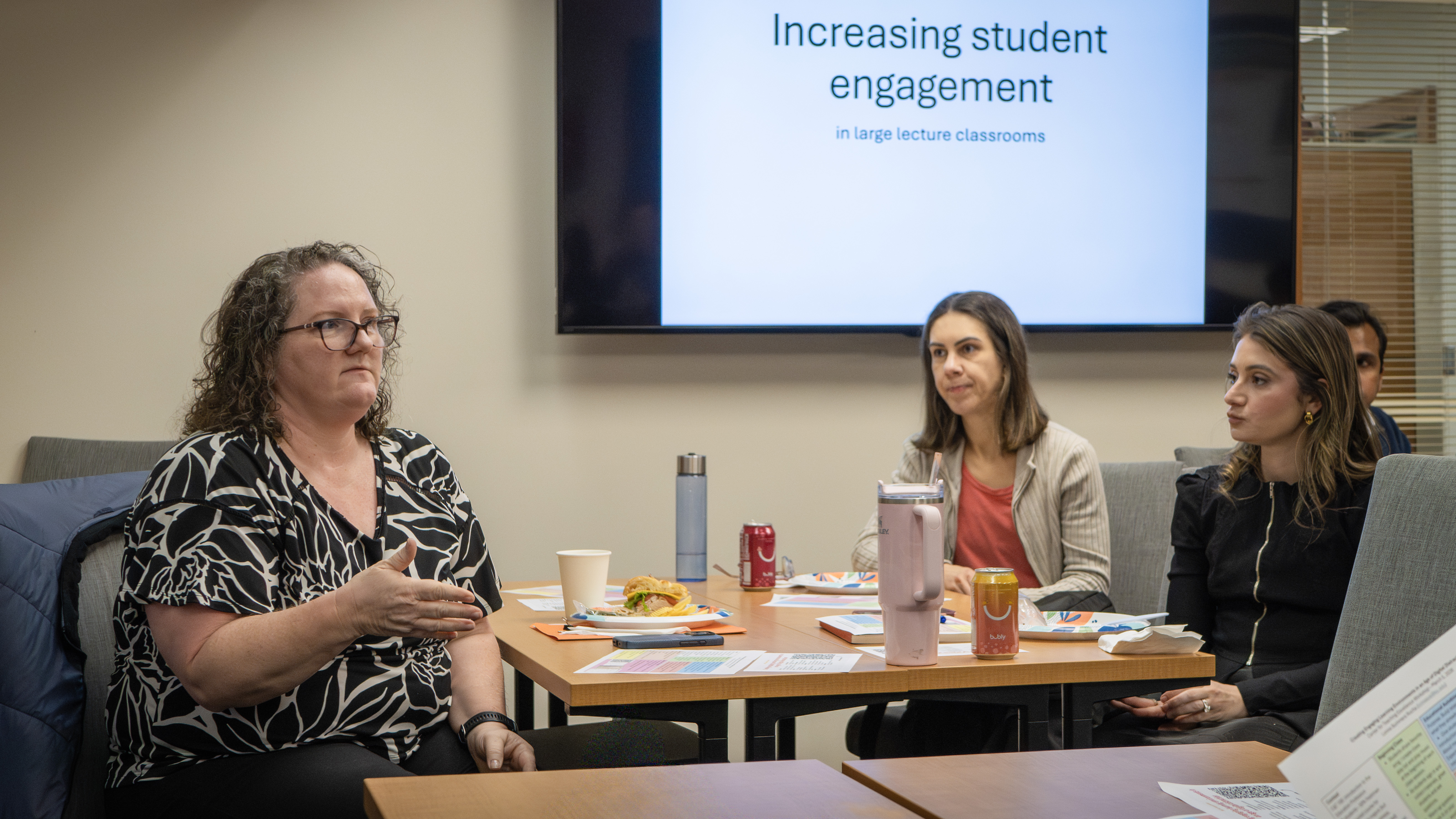
What We Learned: The faculty panelists shared techniques for building community and making massive lectures feel intimate. Rocha utilizes the "Chunk and Chew" method, delivering a small piece of lecture content and immediately pausing so students can process and explain it to a peer.
Thomas relies on assigning his 470-student lecture into permanent writing groups of 4 to 6 students; because they work together every day, students build peer accountability, and 79% report coming to class more often.
Hotze focuses on capturing the curiosity of quiet students by embedding anonymous QR-code surveys on her slides, allowing teaching assistants to read student questions aloud during structured "pause points" in the lecture.

Voices from the Presenters: Our faculty presenters universally agreed that creating a sense of connection is essential to deter digital distraction.
Eric Thomas added that instructors shouldn't feel pressured to abandon their natural teaching styles just because they are in a large room. "I think it's really tempting to think, it's a large lecture class. So, I teach it differently," Thomas encouraged faculty to facilitate connection rather than fight it, noting, "I think this generation is really hungry to engage with each other. They just need permission to do it".
Proactive Accessibility in the Digital Classroom
Our final workshop of the spring focused on making course materials accessible.
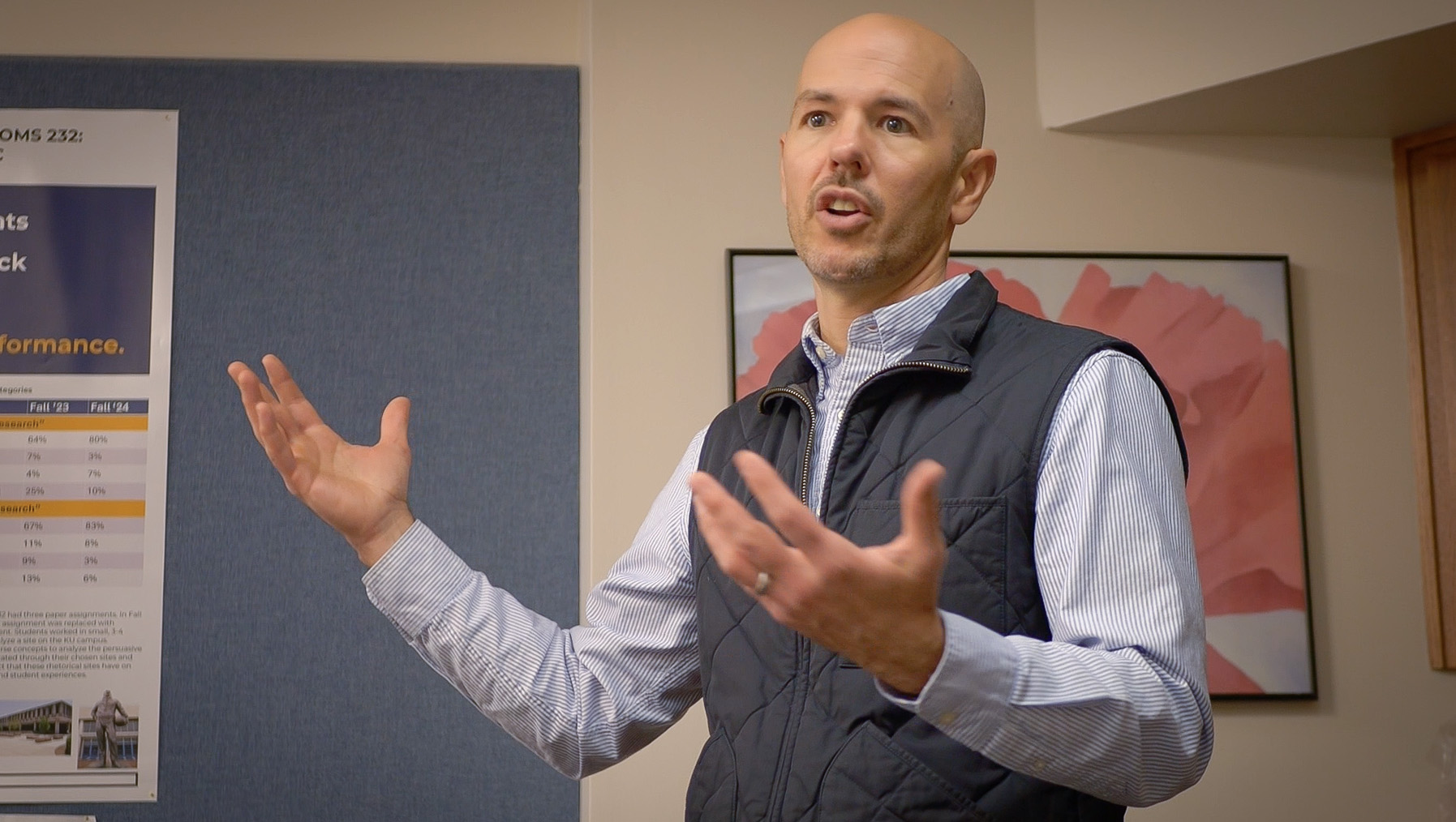
Sessions were led by Kay Cypret, accessibility coordinator at the Center for Online and Distance Learning, and Kit Cole, accessibility coordinator with KU IT. The workshop focused on the importance of designing course materials that support all students of all abilities.
Driven by recent ADA Title II updates, the session highlighted the university's shift from a reactive accommodations model where materials are fixed only when a student requests it, to a proactive approach where documents, videos, and Canvas materials are made accessible from the start.
What We Learned: The presenters outlined several practical steps and tools to help instructors seamlessly integrate accessibility into their daily workflows:
- While AI tools are helpful, the most efficient workflow is to start with native accessibility checkers built into Microsoft Office (Word, PowerPoint) and Adobe Acrobat. Once basic issues are fixed there, instructors should upload files to Canvas and use Yuja Panorama, an integrated tool that scans documents, assigns an accessibility score, and allows for inline AI remediation.
- When documents are properly formatted and accessible, Yuja Panorama can automatically generate alternative formats for students, such as audio podcasts, ePubs, or HTML versions.
- Instructors should not panic if they cannot reach a 100% accessibility score, as some content makes perfect scores nearly impossible. The primary goal is demonstrating continuous effort toward improvement.
Voices from the Presenters: Cypret and Cole emphasized that designing for accessibility is ultimately about equitable learning.
Cole stressed that building accessible habits saves time in the long run, "It's definitely easier to make things accessible if you start from the beginning”.
Cole echoed this empathy for faculty workloads, noting, "teachers have other things they're thinking about besides accessibility... we'd like to help as much as we possibly can".